
Fragmented email threads
Invitations, clarifications and responses no longer remain locked in separate inboxes.
For general contractors and construction clients
Structure the scope, invite the right subcontractors and suppliers, and decide with prices, terms, responses and files kept in one context.
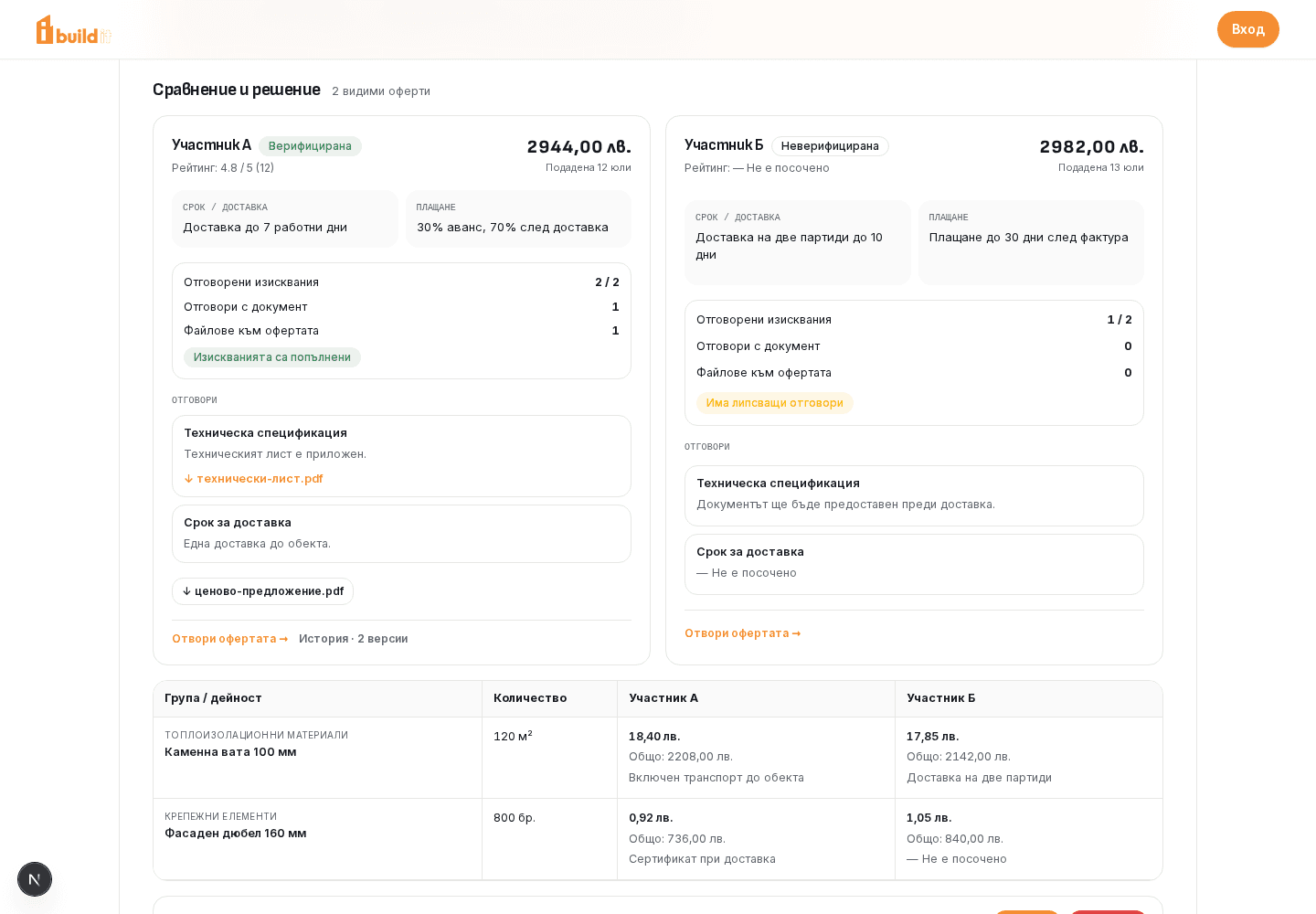
Current interface · illustrative data
For subcontractors
Discover opportunities relevant to your work and respond against a clear scope instead of incomplete information spread across channels.
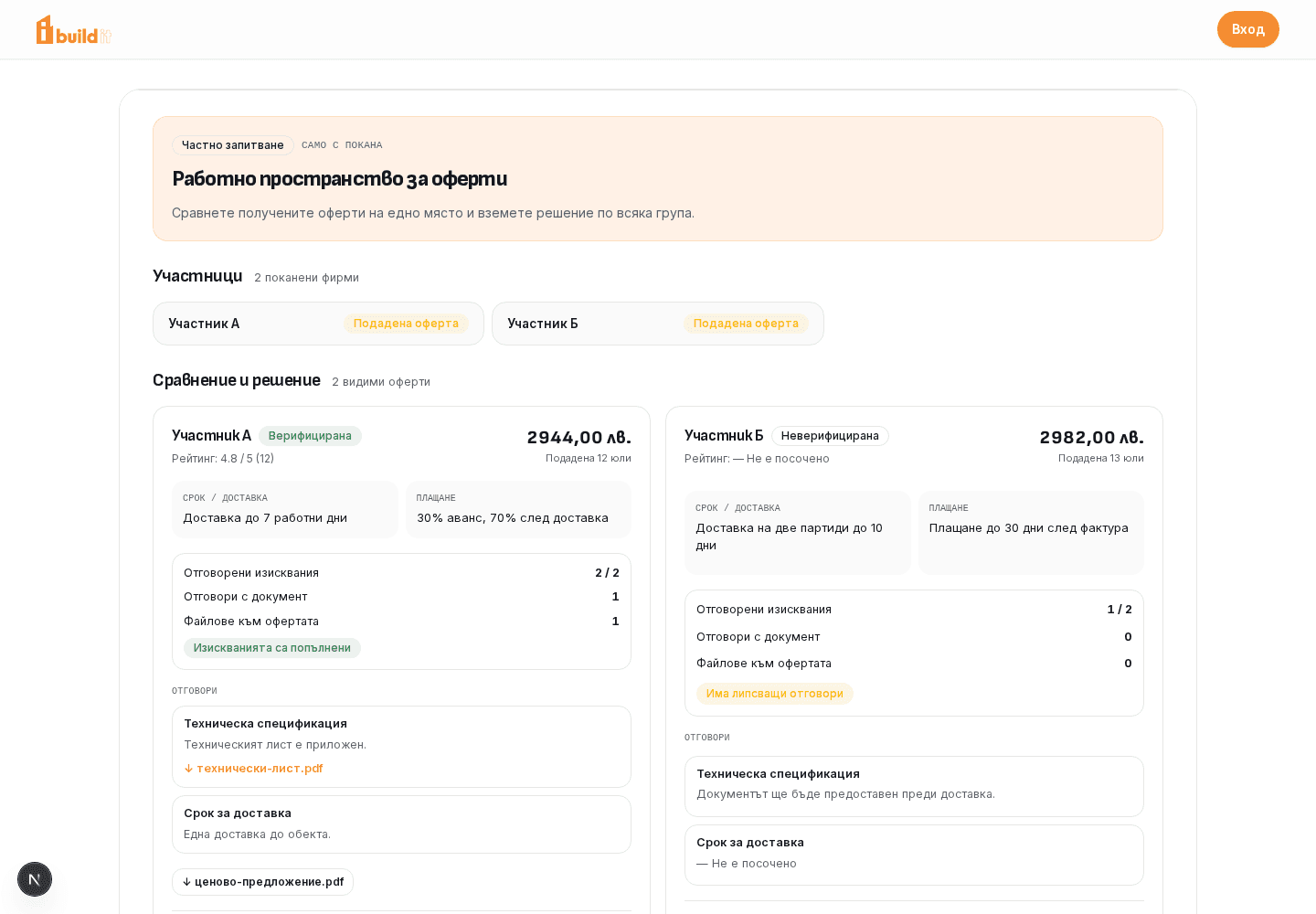
Current interface · illustrative data
For suppliers and manufacturers
BuildIt connects material and equipment requests with companies that can respond with specific terms, timing and documents.
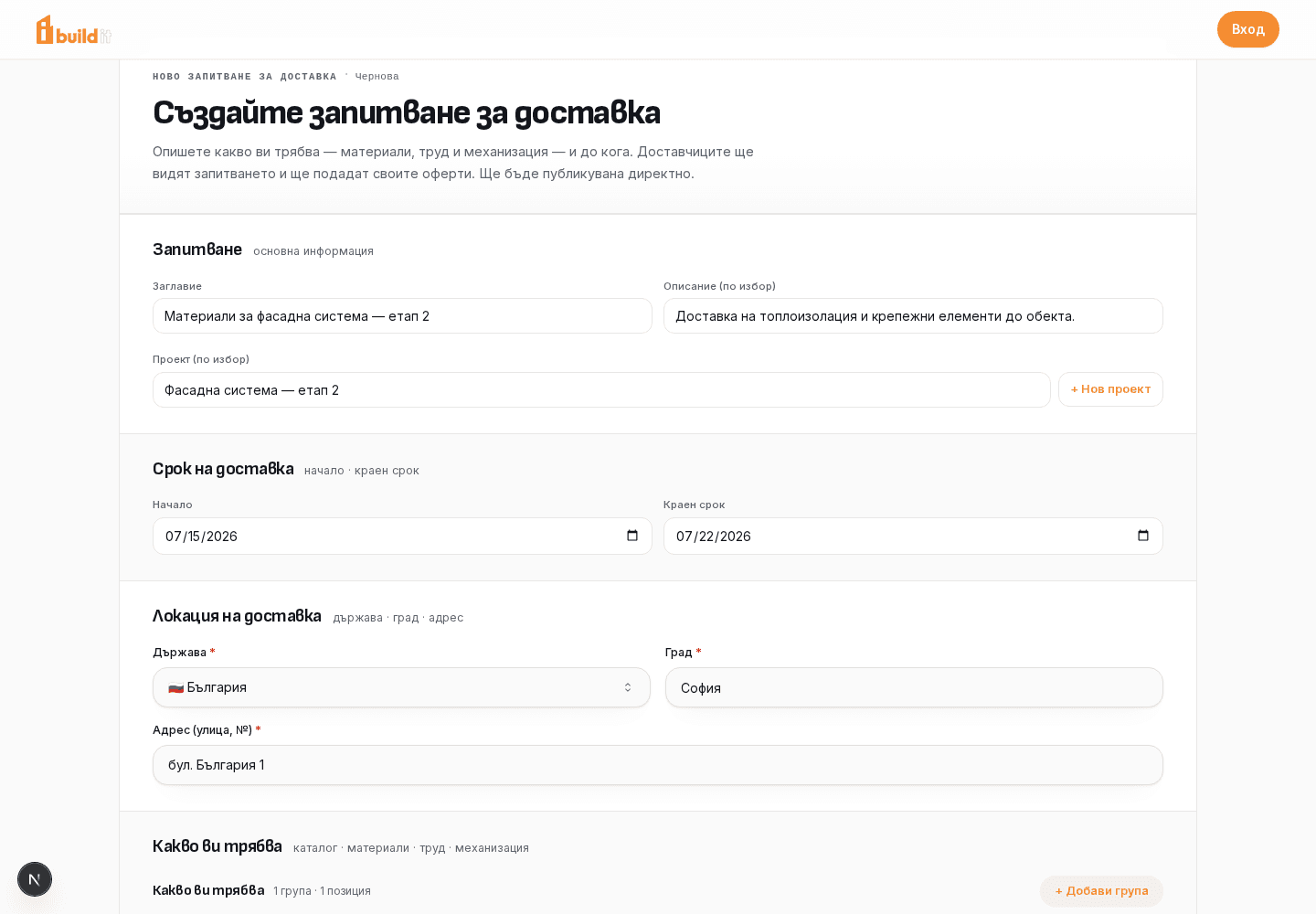
Current interface · illustrative data
For design and consulting firms
Architects, structural and services engineers, surveyors, geologists, interior designers, landscape architects, site managers and energy consultants present their expertise on BuildIt and receive requests directly from the client.
Demo company profileThe company, ratings, statistics, projects and credentials are fictional and shown only as examples.
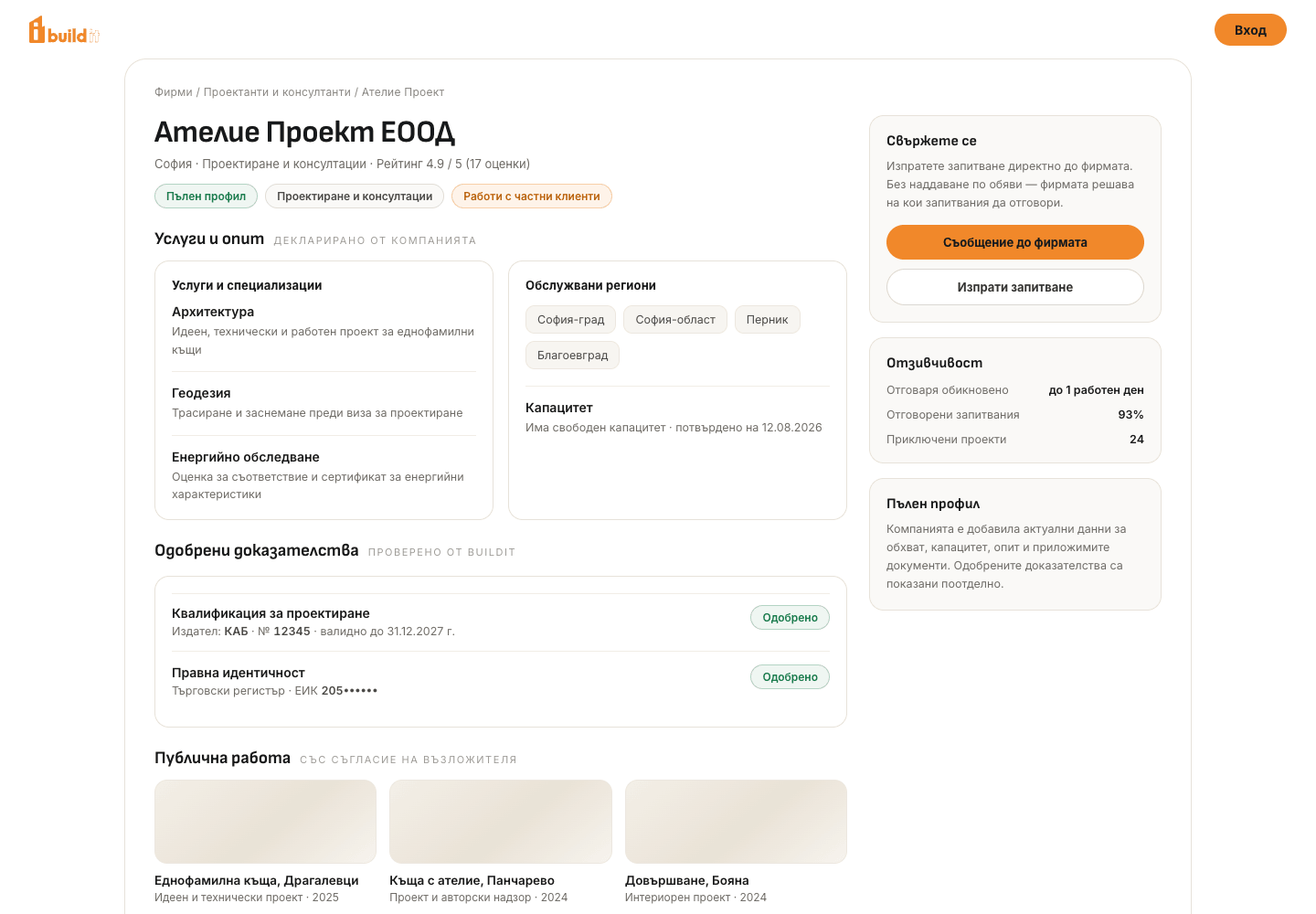
Current interface · illustrative data
Slide 1 of 4
What BuildIt replaces
When information is scattered, every comparison begins by rebuilding the context manually. BuildIt organizes the work around the request itself.
Invitations, clarifications and responses no longer remain locked in separate inboxes.
Groups, items, quantities, deadlines and requirements give every participant the same starting point.
Proposals follow the request structure instead of each company returning a different spreadsheet.
Request documents, requirement responses and offer attachments retain their relationship.
Status, decisions and available offer versions remain accessible for later reference according to access rights.
The client workflow
This is the specific path for a general contractor in BuildIt—not a generic overview of the platform.
Set out groups, items, quantities, location, deadlines and requirements.
Open the request to the market or restrict it to invited companies.
Receive item prices, terms, responses and relevant documents.
Review proposals against the shared scope and see where information is missing.
Accept the suitable proposal after your own technical and contractual review.
Return to the completed request, statuses and available versions for reference.
In the product
The screens below are fresh captures of the current BuildIt interface with illustrative data. The copy describes only supported product behavior.
Start with the procurement frame and add detailed scope instead of sending an empty email with several attachments.
The client sees responses to its stated requirements and the files a participant attached to that specific proposal.
The client sees proposals in one place and can compare supplied prices and terms before opening the detail or making a decision.
Public or private
The choice controls who can see the opportunity. It does not change the structure used to collect and compare proposals.
Useful when you want to discover capacity beyond your current network.
Useful when the process should remain between preselected participants.
In both cases, the offer comparison is a client workspace. BuildIt does not publish competing proposals to the other participants.
Read about access and responsible decisions →Frequently asked questions
These answers are limited to current BuildIt behavior and do not replace your due-diligence process.
See the complete process →Yes. Choose a private request and invite specific companies. A private request with no invitees is not visible to other companies.
The client can review prices against shared groups and items, total value, delivery and payment terms, requirement responses and attachments when the bidder has supplied them.
No. The structured comparison is available to the client organization. Each participant works with its own offer and the request it is allowed to access.
No. BuildIt organizes the information and decision, but technical review, contract terms, qualifications and risk assessment remain the responsibility of the parties.
The completed request and decisions remain available for reference according to access rights. When an offer has multiple versions, the client can also open its revision history.
Your next procurement
If you want to see the flow first, step through the short product demo.