BuildIt Home · How it works
How you’ll use Home
Home uses your answers about the house to suggest relevant guidance. You mark completed tasks and see what’s left to do.
BuildIt Home is now available. Create a personal account to save your answers and progress. For houses in Bulgaria. The app is in Bulgarian.
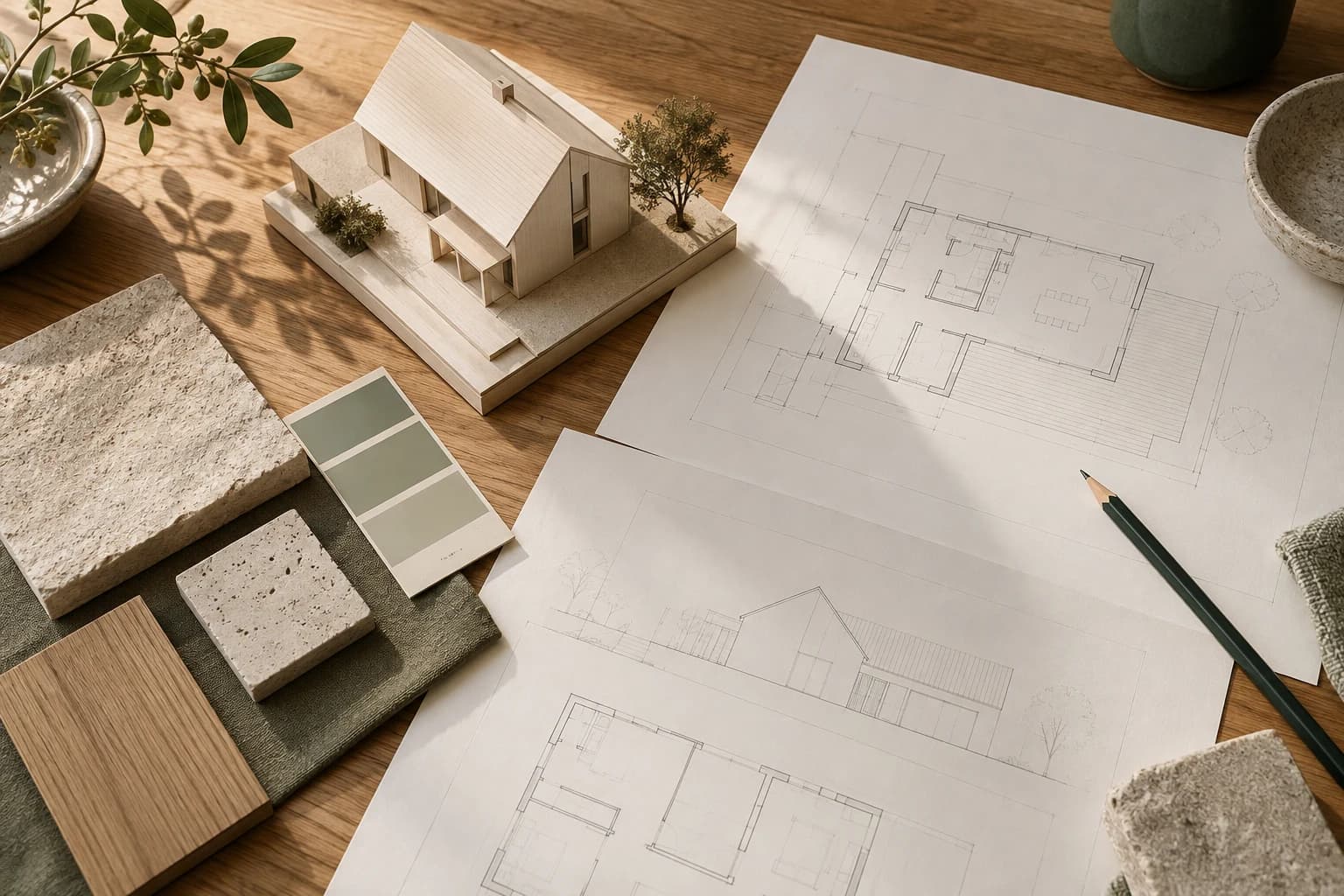
- 01Describe your plans
- 02Get guidance
- 03Track your progress
Tell Home where you’ve got to
Choose whether you’re building, buying an unfinished house or renovating. Then answer questions about your plans and what you’ve already done.
Example question
What are you planning?
- I am building a new houseSelected in this example
- I am buying or have bought an unfinished house
- I am renovating or altering a house
Your choice determines the questions that follow.
An example of how it works. This is not an app screenshot. See where to start
Home suggests a next step, explains why it matters and shows how to approach it. You can also browse the other tasks ahead.
BuildIt HomeSample guidanceNew build · I have land but no design
Next step
Prepare a brief for an architect
Describe your needs, rooms and main constraints so the architect can understand the home they need to design.
Where to begin
- List who will live in the house and the rooms you need.
- Record your preferences for floor area, storeys, style and construction method.
- Gather the documents and known information about the plot for the first conversation.
An example of how it works. This is not an app screenshot. Keep track of completed work
Mark tasks as done or not applicable. You can undo a mark or update your answers whenever your plans change.
Sample task list
What’s left to do
Describe the home you want
Done
Decide what you need from a plot
To do
You can update your answers or mark a completed task as unfinished.
An example of how it works. This is not an app screenshot.
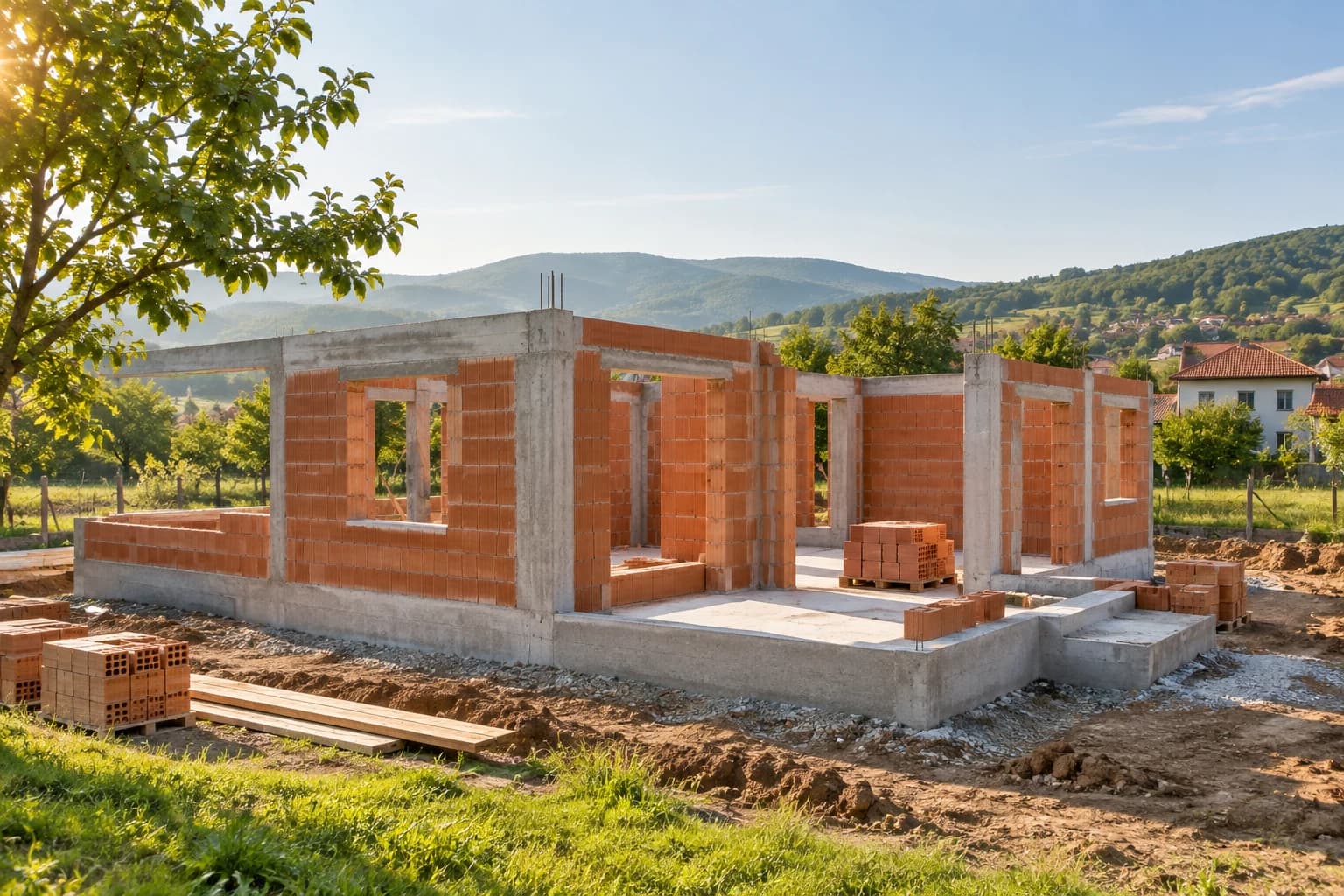
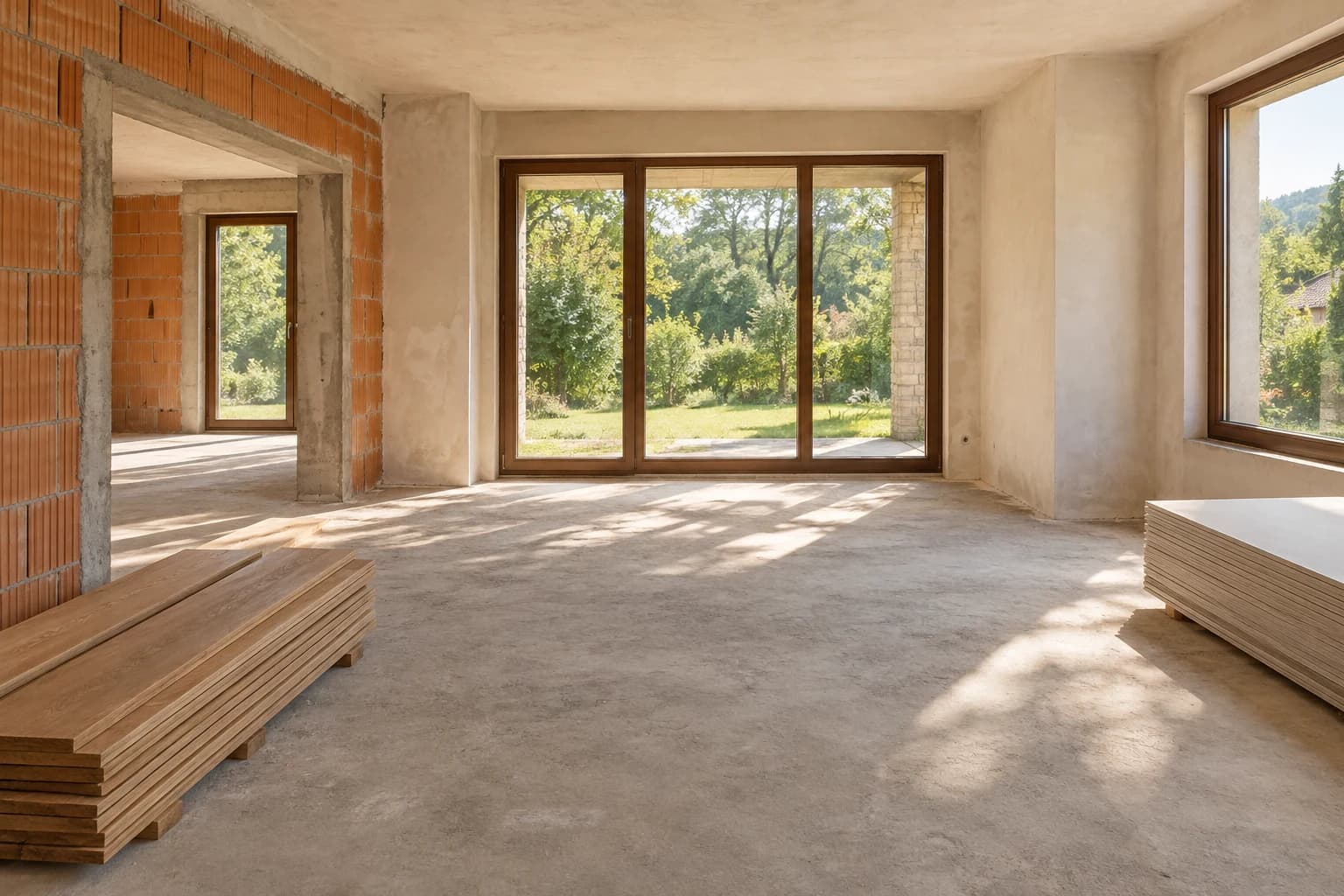
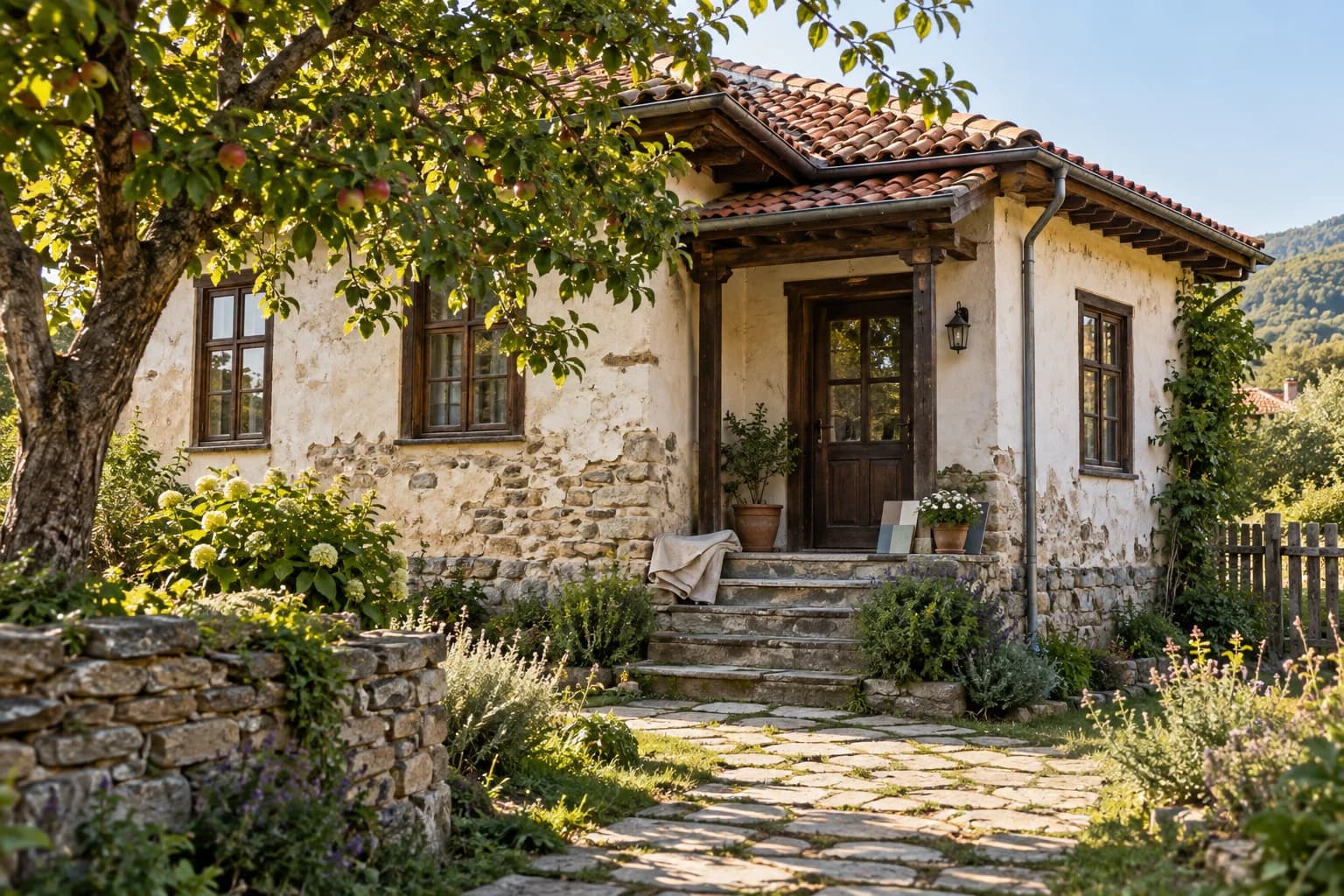
You record the progress yourself.
Home helps you keep track of tasks. Marking them as done doesn’t mean the documents or building work have been checked. You’ll need a qualified professional for that.
Find the right professional for your next step.
From the first land survey to building your house. Browse professionals in Home or send a request and ask BuildIt to look for additional specialists.
See how to find a professionalBrowse professionals in Home
Search by type of work and area. Explore listed services, portfolios and available professional registration information.
Ask BuildIt to search for you
Describe the work in a request and choose the option for BuildIt to find a professional. With your explicit consent, our team can contact suitable professionals and send them a link to your request.
Available profiles depend on the service, area and participating professionals. BuildIt does not guarantee a match, availability, a response or an offer within a particular time.
Explore BuildIt Home
See how it could help with your house.
Browse the sample guidance or read more about building, finishing and renovating a house.
BuildIt Home is now available. Create a personal account to save your answers and progress. For houses in Bulgaria. The app is in Bulgarian.