Building
a house?
Plan the steps and find the right professionals.
Have an idea, land, a design or a permit? BuildIt Home organises the tasks for your house. Find an architect, land surveyor, construction supervision consultant and other professionals on the platform, or ask our team to look for additional specialists.

What are you planning for your house?
You don’t have to start from scratch. Your guidance will reflect what you already have and what still needs doing.
How far have you got with the build?
Home will use information about your land, design, permit, budget and timing to show the relevant tasks and the most sensible thing to do next.
See a sample planWhat you’ll get guidance on
Your next practical step
A task based on your land, design, permit and preparation.
What to prepare
An explanation, the information you need and practical actions to take.
What kind of professional you need
An architect, adviser or construction company for your stage and area.
I’m building a new house. How far have you got with the build?
Find the right professional for your next step.
From the first land survey to building your house. Browse professionals in Home or send a request and ask BuildIt to look for additional specialists.
- Architects and designers
- Land surveyors and geologists
- Structural and other engineers
- Construction supervision consultants
- Energy consultants
- Builders and other specialists
Browse professionals in Home
Search by type of work and area. Explore listed services, portfolios and available professional registration information.
Ask BuildIt to search for you
Describe the work in a request and choose the option for BuildIt to find a professional. With your explicit consent, our team can contact suitable professionals and send them a link to your request.
Available profiles depend on the service, area and participating professionals. BuildIt does not guarantee a match, availability, a response or an offer within a particular time.
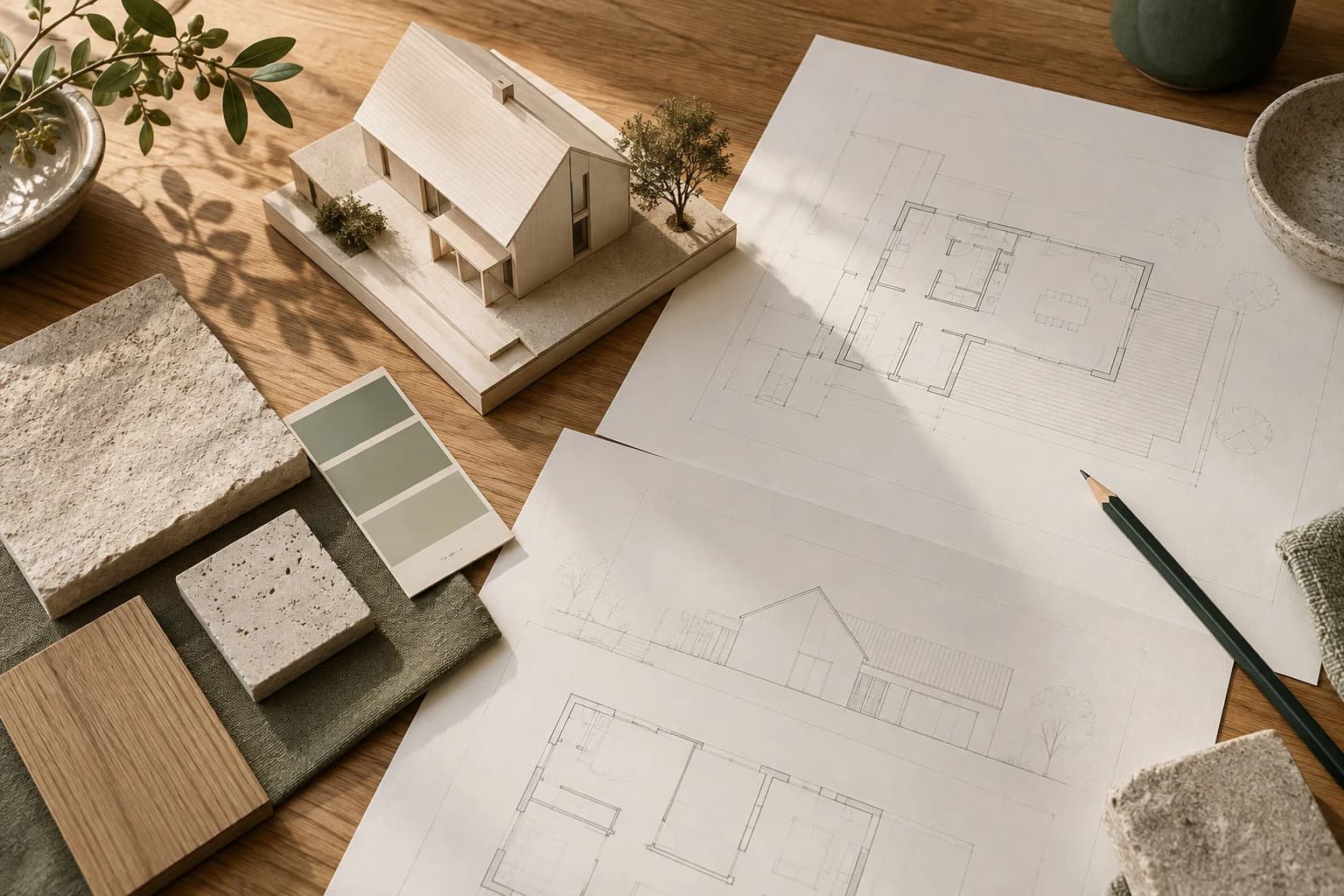
From idea to keys
You’ll know what comes next.
Home will show you the relevant steps for your house. You’ll be able to return to them as the work progresses.
Your plan
3 of 8 stages- Idea
- Plot
- Design
- Permit
- Site
- Act 14
- Finishing
- Move-in
Now: A permit in force. Done when the building permit has entered into force.
From idea to keys
You’ll know what comes next.
Home will show you the relevant steps for your house. You’ll be able to return to them as the work progresses.
01 / 03
Tell us about your house
After registering, answer questions based on whether you’re building, finishing or renovating. You won’t need to register a company.
02 / 03
Get guidance on the next step
See what’s coming up, why it matters and what you can do next.
03 / 03
Pick up where you left off
Mark completed tasks and update your answers when plans change. Your progress is saved.
Illustrative guidance. This is not an app screenshot or a substitute for professional advice.
See how BuildIt Home works in detailQuestions before you begin.
How you’ll use Home and what’s planned for the full version.
BuildIt Home is now available. Create a personal account in the app to get started.
What affects the cost of building a house?
Cost depends on floor area, structure, site conditions, location, level of completion, materials, utility connections and the contractors you choose. Home will organise the budgeting and quotation tasks for your stage, but it will not present an indicative amount as a binding offer.
What documents are needed before house construction begins?
The documents that apply depend on the property, design, permit and stage of preparation. Home will ask what you already have and show the related tasks. The exact requirements for a particular property need to be confirmed with the municipality and the relevant qualified professionals.
Which professionals might I need when building a house?
Depending on the stage, you may need an architect, land surveyor or geologist, structural engineer and other designers, construction supervision consultant and builder. Home shows the type of professional associated with your next task. Confirm the exact roles, designs and inspections for your house with the relevant qualified professionals and authorities.
Who is BuildIt Home for?
For people building a new house, buying or finishing an unfinished house, or planning a full renovation or alterations. Home will help you understand what lies ahead and who to turn to. It isn’t a service for emergency repairs or small jobs.
How will I start? Do I need land or a design already?
First, you’ll create a Home account. Then you’ll choose what you’re planning and answer questions about your situation. You can start without land. If you already have land, a design or a building permit, that information will help determine the relevant next steps.
How will Home help me understand what to do?
After the questions, you’ll see the stages that apply to your situation and a specific next task. Each task will explain why it matters and suggest actions you can take. Home organises preparation and tasks; you and the relevant specialists carry out the work.
What if my plans change?
You’ll be able to correct your answers, mark tasks as completed or not applicable, and undo those marks. Guidance will reflect your current information. Saved progress will let you pick up where you left off next time.
How do I find an architect, land surveyor or other professional in Home?
Search the Professionals section by type of work and area among participants who work with homeowners. Profiles show listed services, areas served, published projects and available professional registration information. A profile does not guarantee an available team or quality of work.
Can BuildIt look for a specialist for me?
Yes. Describe the work and area in a request and choose the option for BuildIt to find a professional. With your explicit consent, our team can contact suitable professionals, including those outside the platform, and share a link to your request. You decide whom to work with. This does not guarantee availability, a response or an offer within a particular time.
How do I contact a professional I have chosen?
Send a connection request and introduce yourself by name. You can add a phone number. Once accepted, you can message each other in Home, and the connected participant can see your name, email and the phone number you provided. An accepted connection is not itself a quotation or an award of work.
Can I send a request to several professionals?
Yes. Describe the work with an area and response deadline. You can make it visible to suitable participants in BuildIt Pro or invite professionals you choose. You can also ask BuildIt to look for additional specialists. Sending a request does not guarantee quotations.
How will I compare offers and choose a contractor?
You’re expected to be able to compare what each proposal includes and excludes, price and taxes, timing, milestones and validity. You’ll explicitly choose the proposal and scope of work. Recording a choice in Home will be separate from signing a contract or making a payment.
What will happen after I choose a company?
The full version is planned to link the selected company to the awarded work so you can track tasks, milestones, deadlines and issues. On completion, you’ll be able to record the work and any outstanding issues and keep the information for your home. These tools are planned.
Will I be able to store documents and choose who sees them?
A home document space and sharing selected files with a specific request or job are planned. Connecting with a company will not automatically give it access to all documents. The exact address and ownership documents are intended to stay private unless explicitly shared. File storage and sharing are planned features.
Will I be able to track the budget and payments?
The full version is planned to let you record planned amounts, agreed costs and payments and track the remaining budget. Payments will be records you enter, not bank-verified transactions. The tool is planned and does not mean paying through Home.
Will Home replace an architect or technical specialist?
No. Home will help you organise information and next tasks. Marking progress does not confirm legal or technical readiness. Designs, inspections and decisions for a particular house remain the responsibility of the relevant specialists and authorities.
Can I use Home now?
Yes. Open BuildIt Home and create a personal account to save your answers and progress. The app’s current interface is in Bulgarian.